You want to share management responsibilities by adding more admins to your SalaryBox account. This allows trusted team members to access and manage company settings, employee data, and reports securely.
With the help of this setting, you can add more Admins to your company.
How to do it? #
- Go to settings
- Tap on ‘Admins’ under the My Team tab
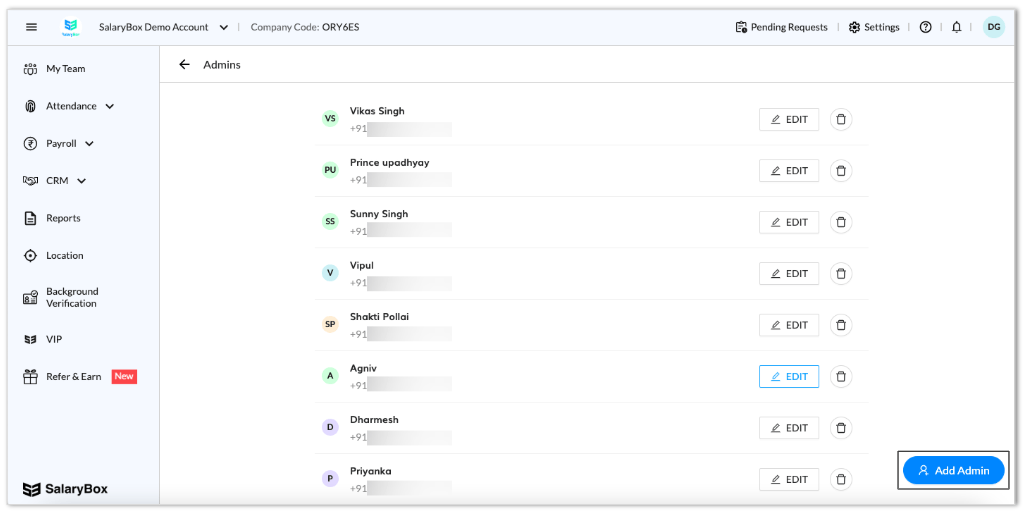
- Now you will see the list of already added Admins
- You can Edit and Delete by simply tapping on the Edit and Delete icon
- You can add a new Admin by simply tapping on ‘Add Admin’ and adding the following details:
- Name
- Phone Number