
How to Write Professional HR Emails Faster With AI
HR teams send emails every day. From interview confirmations and onboarding instructions to leave approvals and policy announcements, email remains one of the most common ways HR communicates with employees.
Writing every message from scratch can take a surprising amount of time. AI can help HR professionals create a clear first draft faster while keeping communication professional, consistent, and easy to understand.
The key is not to let AI replace human judgment. Instead, use it to handle repetitive writing tasks while you focus on the people, decisions, and sensitive situations behind each message.
Why HR Emails Take So Much Time
HR emails often look simple, but they require careful wording. A message about an interview can be short, while an email about salary, performance, leave, or company policies may need much more attention.
HR professionals also need to consider the recipient and situation before sending a message. The same information may need a formal tone for an official announcement and a more supportive tone for an employee-facing message.
This makes repetitive communication one of the areas where AI can be useful. HR teams can use technology to prepare routine messages while keeping the final decision and review with a human professional.
How AI Helps HR Write Emails Faster
AI writing tools can create a first draft based on a few instructions. Instead of starting with a blank screen, HR can provide the purpose, recipient, key information, and preferred tone.
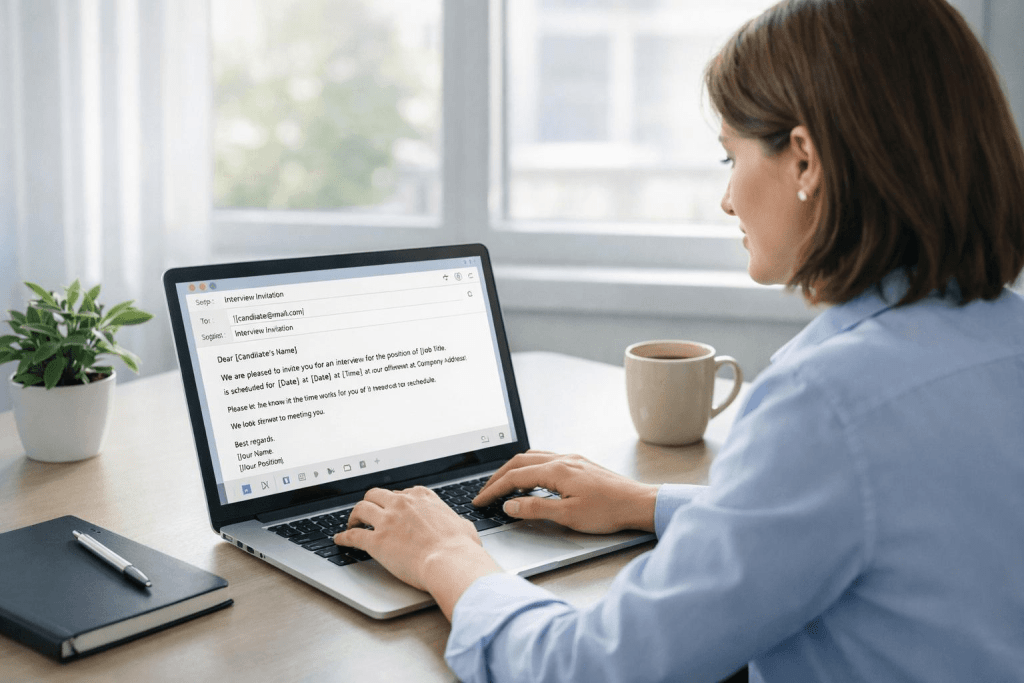
For example, an HR manager could enter: “Write a professional email confirming an interview for a sales executive position on Monday at 11 AM.” The tool can turn those details into a structured email with a subject line, greeting, important information, and closing.
AI can also help rewrite existing messages. If an email sounds too complicated, HR can ask the tool to paraphrase a text so that the information becomes shorter, clearer, or more appropriate for the intended audience.
Create Better AI Prompts for HR Emails
The quality of an AI-generated email depends heavily on the instructions you provide. A vague prompt such as “Write an email about leave” may produce a generic message that requires significant editing.
A better prompt includes the purpose, audience, important details, and desired tone. For example: “Write a short professional email informing an employee that their leave request from 15 to 17 August has been approved. Keep the tone friendly and mention that they should complete their pending tasks before leaving.”
You can also tell AI what to avoid. Ask it to use simple language, keep the email under 150 words, avoid unnecessary greetings, or include the next action clearly.
A Simple HR Email Prompt Formula
| Information | Example |
| Purpose | Confirm an interview |
| Recipient | Job candidate |
| Key details | Date, time, location |
| Tone | Professional and friendly |
| Length | Under 120 words |
| Action | Ask the candidate to confirm |
Using the same structure makes it easier to generate useful drafts for different HR situations.
HR Emails You Can Create With AI
AI can help with many routine HR messages. Recruitment teams can use it for interview invitations, application acknowledgements, interview reminders, candidate follow-ups, and rejection emails.
HR teams can also create employee communication faster. Common examples include onboarding instructions, leave approvals, attendance reminders, payroll notifications, policy updates, training announcements, and meeting invitations.
AI can also support administrative communication around employee management. When used correctly, it gives HR professionals more time to focus on employee questions, workplace issues, and decisions that require personal attention.
Use AI Without Losing the Human Touch
AI can write an email quickly, but HR should always review the result before sending it. An employee communication may contain details that AI cannot understand from a short prompt.
This is especially important when the message involves salary, performance, disciplinary action, termination, workplace complaints, or other sensitive subjects. HR professionals should verify every fact, date, number, name, and policy reference before sending such messages.
Personalisation also matters. Instead of sending an obviously generic message, add the employee’s name, relevant context, specific dates, and the next step they need to take.
For teams that use AI frequently, an AI Humanizer can also help refine wording when a draft sounds repetitive or overly mechanical. The final version should still be reviewed by an HR professional before it reaches an employee.
Keep HR Emails Clear and Easy to Read
A professional HR email does not need complicated language. Employees should be able to understand why they received the message and what they need to do after reading it.
Keep paragraphs short and place important information where it is easy to find. Use bullet points when sharing several dates, documents, instructions, or requirements.
For example, an onboarding email could include the joining date, reporting time, office location, documents required, and contact person as separate points. This approach makes the message easier to scan and reduces unnecessary back-and-forth.
Build a Library of AI HR Email Prompts
Once you find prompts that work well, save them for future use. Creating a small HR email prompt library can reduce the time spent explaining the same requirements repeatedly.
You can create separate prompts for recruitment, onboarding, attendance, payroll, employee engagement, policy announcements, and offboarding. Each prompt can contain placeholders for names, dates, departments, job titles, and other information that changes from one situation to another.
A reusable library also helps maintain consistency across HR communication. Teams can update their prompts when company policies or internal processes change, keeping frequently used messages easier to maintain. Some HR teams prefer to draft, edit, and store these email templates inside a single workspace like AI Document Editor, which keeps the writing, rewording, and tone adjustments in one place instead of moving between multiple tools.

Review Every AI-Generated HR Email
AI should be treated as a drafting assistant rather than an automatic sender. Before clicking “Send,” check whether the message contains the correct employee name, dates, numbers, links, attachments, and instructions.
Read the email from the employee’s perspective. Ask whether the purpose is obvious, whether the next action is clear, and whether any sentence could be misunderstood.
Grammar is another important part of the review process. If needed, HR professionals can check the grammar for free with an online grammar-checking tool before sending an important message, particularly when the email will be shared with a large group.
Final Thoughts
AI can reduce the time HR professionals spend writing repetitive emails. It can create first drafts, improve wording, adjust tone, and turn simple instructions into structured messages.
The best results come from combining AI with human review. HR professionals still need to provide the right context, verify sensitive information, and make sure every message reflects the company’s policies and communication standards.
Start with a few common emails such as interview confirmations, onboarding messages, leave approvals, and policy announcements. Build reusable prompts for them, review every AI-generated draft, and gradually create an HR communication system that saves time without losing the human side of HR.
